
Your personal AI assistant that never sleeps, runs 24/7, zero configuration needed.
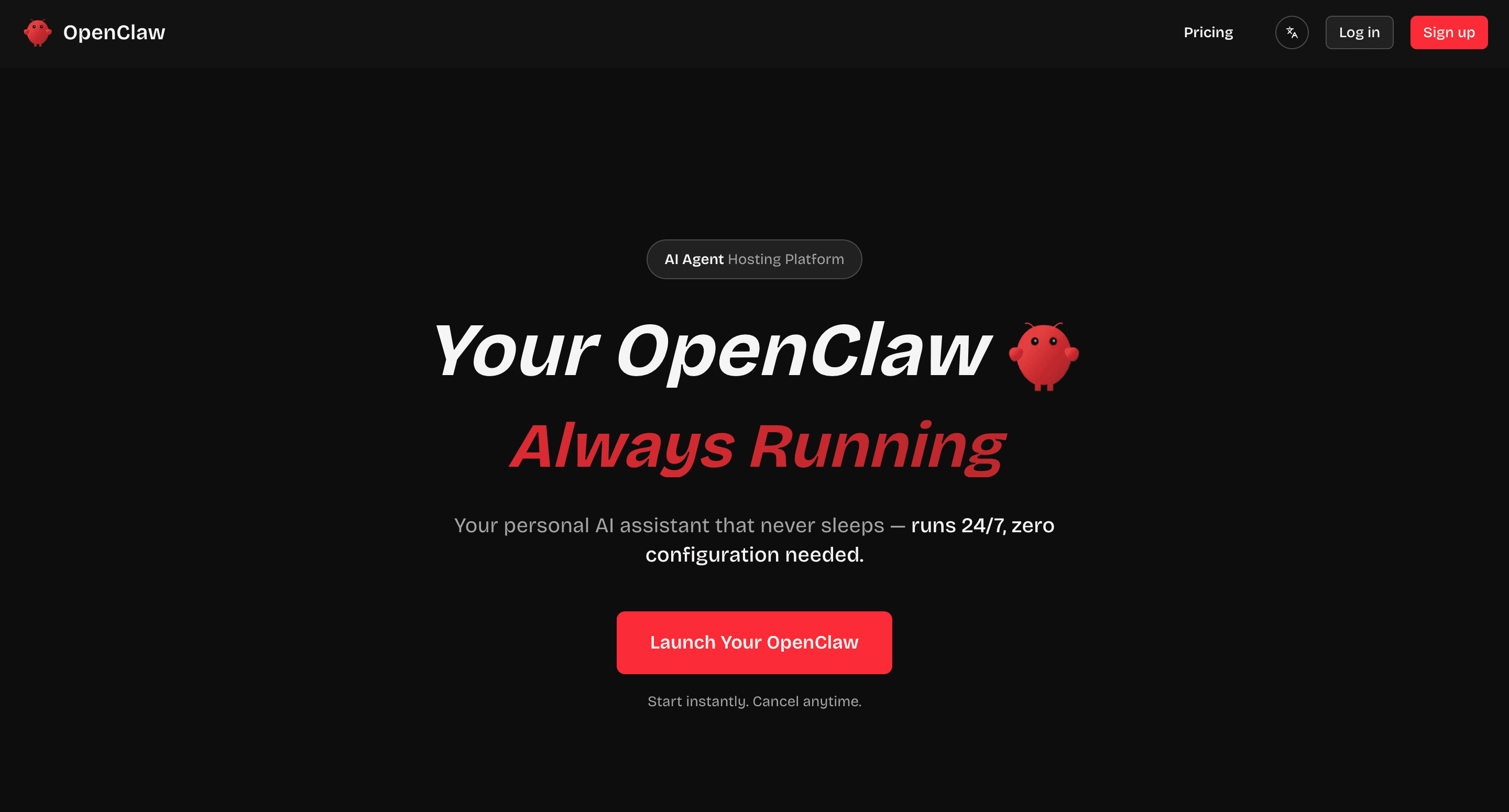
PlayOpenClaw is a hosted OpenClaw platform that lets users launch a private, always-on AI agent without dealing with server setup, Docker errors, environment conflicts, or ongoing maintenance. Instead of configuring everything manually, users can simply choose a plan, get a dedicated instance, and start using OpenClaw right away. The platform is built for people who want the power of OpenClaw without needing to become a sysadmin.
PlayOpenClaw gives each user a dedicated and isolated OpenClaw instance that runs 24/7. It can help automate workflows, manage emails and reminders, assist with coding and development tasks, control the browser for form filling and web navigation, organize files, connect with apps and APIs, support smart home actions, and even help with content creation and daily personal assistant tasks. It is designed to be an always-running AI agent that can work across many parts of your digital life.
The biggest advantage of PlayOpenClaw is simplicity. Many users are interested in OpenClaw, but self-hosting can be difficult because of server requirements, dependency issues, and ongoing maintenance. PlayOpenClaw removes that barrier by handling setup, updates, security, and scaling in the background. Users just log in and use their AI agent. This makes it a practical choice for creators, developers, solo founders, and teams who want reliable AI automation without technical overhead.
PlayOpenClaw is a good fit for users who want a private AI assistant that is always online, can automate repetitive work, and can connect with tools and services they already use. It is especially useful for people who want the benefits of OpenClaw but do not want to manage infrastructure themselves.

Select a badge style and copy the code below.
<a href="https://aisofto.com/tools/playopenclaw.com" title="Featured on AiSoftO.com" target="_blank"><img src="https://aisofto.com/embed/featured1.png" alt="Featured on AiSoftO.com" width="250" height="54" style="width: 250px; height: auto;" /></a>Copy and paste this code into your website to embed this tool.







Discussion (1)
Please to leave a comment.